
Trusted by 50,000+ pilots worldwide
Master Your Radio Skills.
Fly with Confidence.
Practice real ATC conversations by speaking into your phone. Build confidence before keying the mic in the cockpit.


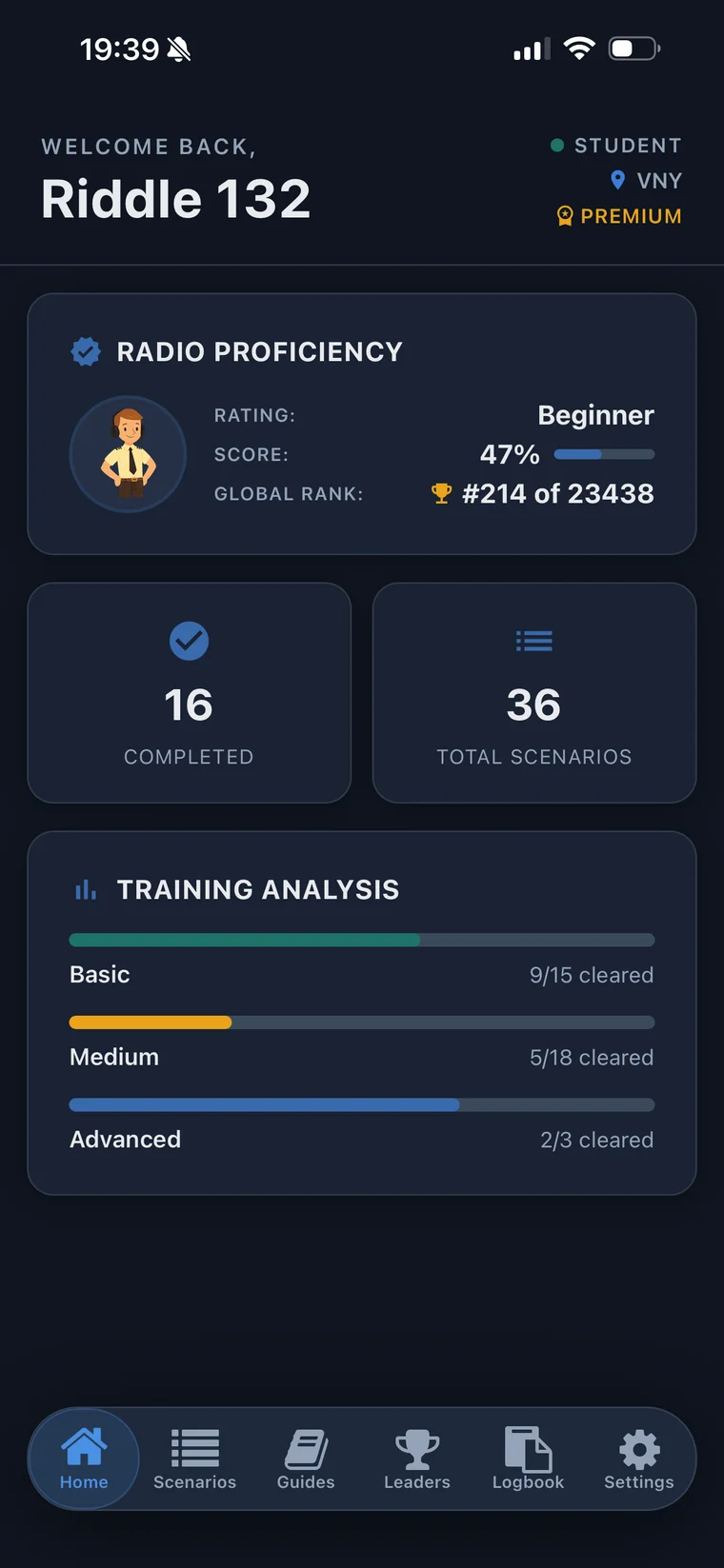
How It Works
Four steps to confident comms
Listen to ATC
Hear realistic controller audio with proper phraseology and real-world instructions.
Speak Your Readback
Use your real voice to respond out loud, just like you would in the cockpit.
Get Instant Feedback
AI evaluates your accuracy, phraseology, and completeness in real time.
Review & Improve
See your full transcript. Learn from every exchange. Track your progress.
Features
Everything you need to
sound pro on frequency
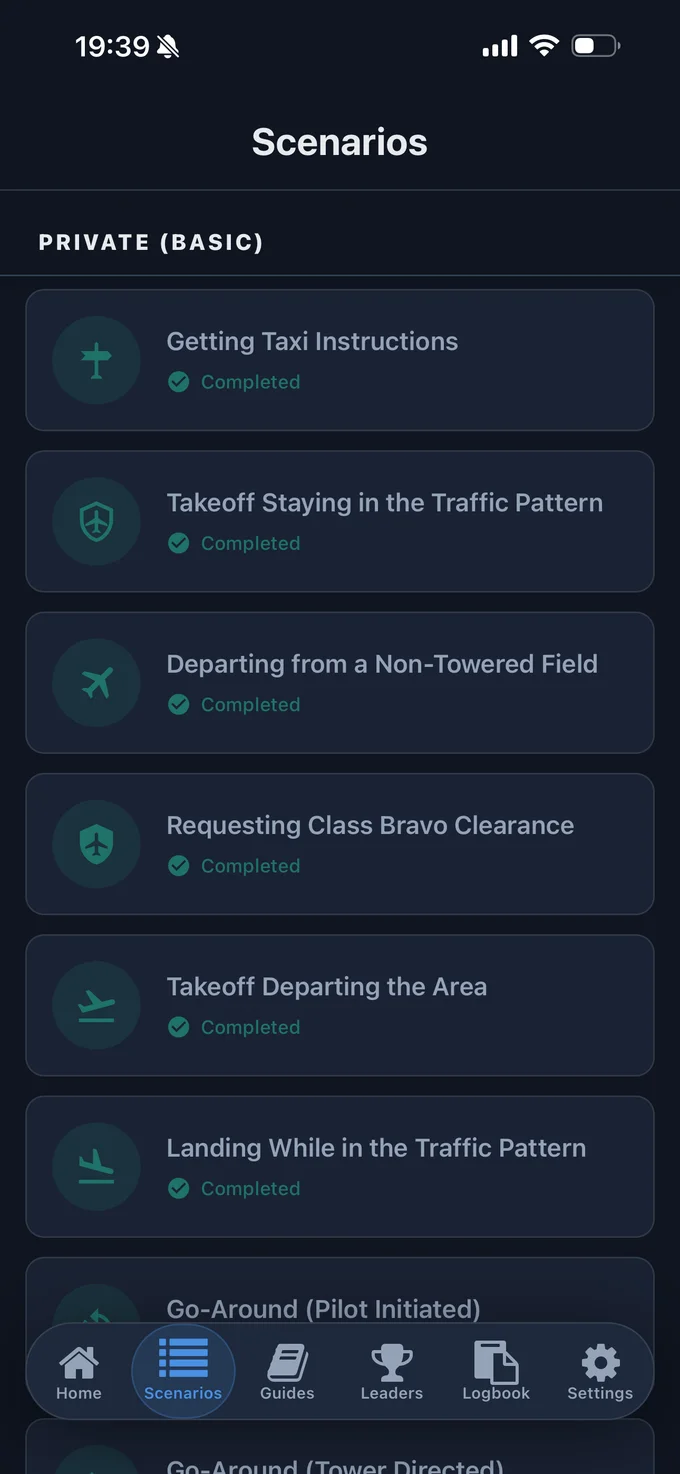
35+ Real-World Scenarios
From taxi clearances to Class Bravo transitions, IFR pop-ups to emergency procedures. Every scenario uses real-world phraseology and procedures that pilots actually encounter on frequency.
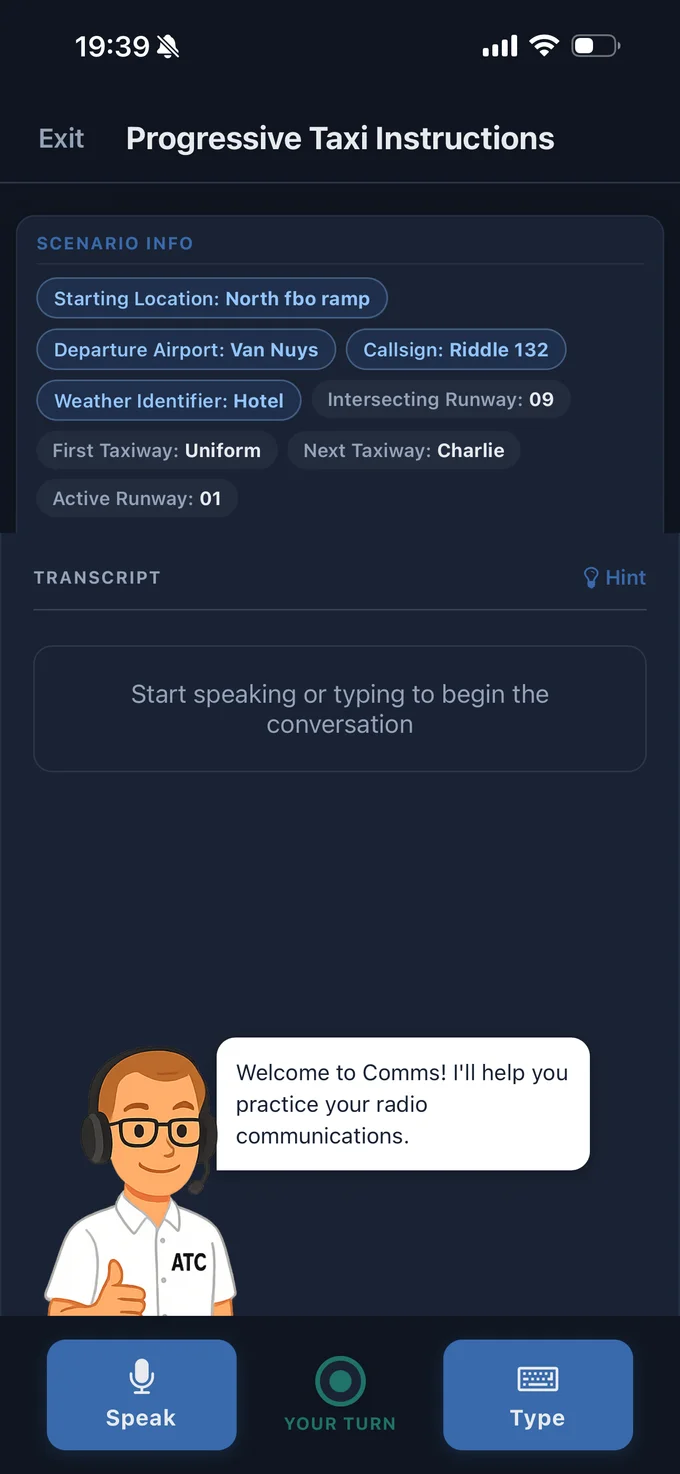
Practice with Your Voice
Speak your radio calls out loud. AI-powered speech recognition evaluates your readback in real time — just like keying the mic in the cockpit. The ATC controller listens, responds, and guides you.
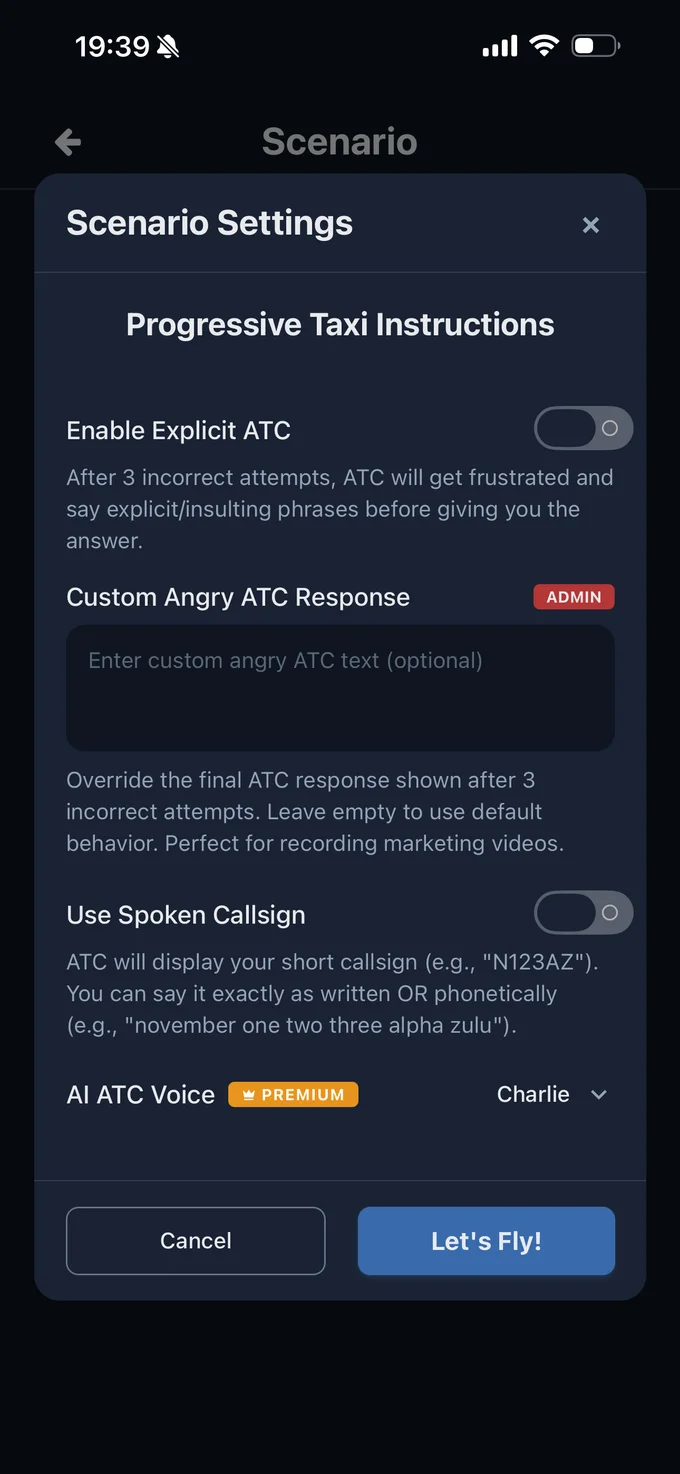
Customize Your Training
Choose your ATC controller voice, set your home airport, and configure scenario settings. From basic taxi calls to complex IFR procedures — train at your own pace.
Scenarios
What you'll practice
35+ scenarios covering every radio call you'll encounter from taxi to touchdown
Who It's For
Built for pilots at every level
Student Pilots
Preparing for your first solo or checkride. Practice the calls that make new pilots nervous.
Private Pilots
Building radio confidence and proficiency. Sound like you've been on frequency for years.
Flight Instructors
A training aid your students can use anytime. No airplane, no instructor, no pressure.
Rusty Pilots
Getting back on frequency after time away. Shake off the rust before your next flight.
Testimonials
What pilots are saying
“I genuinely love this app. As a student pilot I'm nervous to talk to ATC, but this makes me more confident. My instructor will be happy!”
other aviator
Student Pilot
“Amazing practice app for those student pilots like myself that have trouble with smooth communication especially with ATC/Tower. The team is great at handling bugs and adding features based on feedback.”
ThatDuckie
Student Pilot
“This app is fun because it makes it less stressful to talk to ATC. You can make your mistakes with the AI before you do with the controllers, which is great.”
@mistarstyoobid
Student Pilot
“There are tons of detailed pilot scenarios that take you through every situation you might come across as a pilot.”
Jvirgil92
Pilot
“This app honestly gives such a refreshing way to practice and nail procedure down.”
Hebi-sennin
Student Pilot
“Great training tool and can really get you proficient on the radios and boost your confidence.”
OliverMA05
Private Pilot
FAQ
Frequently asked questions
Is Comms free to use?
What devices does Comms work on?
Do I need a pilot license to use Comms?
What scenarios are included?
How does the speech recognition work?
How is Comms different from other ATC training apps?
How do I cancel my subscription?
Take the stress out of
talking to ATC
Focus on what matters most — flying the airplane.
Download Comms and start practicing today.